
How to store your passport on iPhone
A passport photo in your camera roll is a copy of your identity sitting in the most-shared, most-synced, most-casually-handed-over app on your phone. Keeping a scan is genuinely useful when you lose the physical document — but it belongs in an encrypted store with the number, the expiry date, and a reminder attached to it.
Why the camera roll is the wrong place
Photos syncs to iCloud, appears on every signed-in device, gets browsed by anyone you hand your phone to, and is readable by any app you have granted full photo library access.
None of that is a flaw in Photos. It is an app for sharing pictures, working exactly as designed. A passport scan is simply not a picture.
What is worth storing
- The photo page, scanned flat and legible — this is what a consulate asks for after a loss.
- The passport number and issuing country, as text you can read out over the phone.
- The expiry date, with a reminder well ahead of it.
- Any visa or residence permit pages you travel on.
The expiry date is the part people forget
Most countries require between three and six months of validity beyond your travel dates, and airlines enforce it at check-in. A passport that expires in four months can stop a trip that is otherwise perfectly booked.
Renewals also take longer than people expect. A reminder set six to nine months out is not excessive — it is the amount of warning that makes renewal a calm task rather than an expedited-fee emergency.
A note on sharing
When a hotel or an employer asks for a copy, send it and then think about where the copy now lives. Email and chat threads keep attachments indefinitely and back them up to servers you do not control.
Storing your own copy privately does not stop that, but it does mean you are making a deliberate decision each time instead of forwarding whatever is nearest.
Doing it in SecureKit
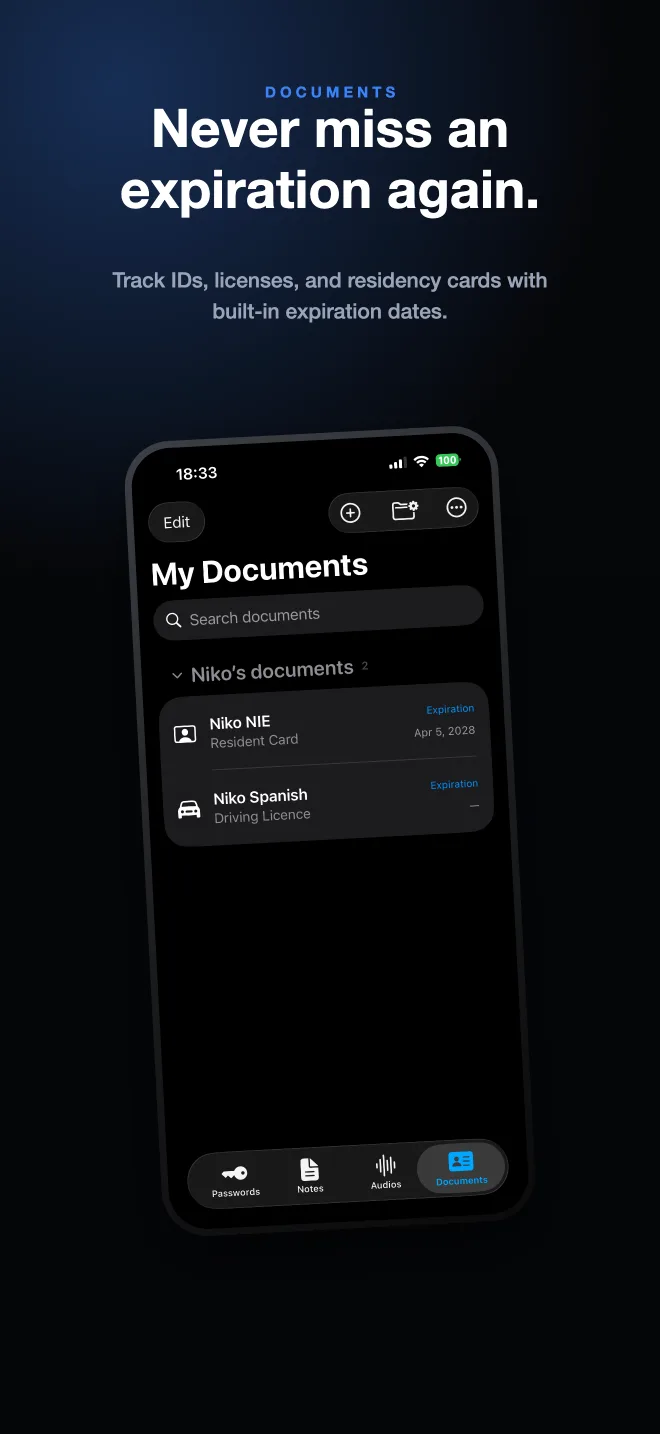
- Scan the passport in the Documents tab
SecureKit's scanner captures multipage documents with edge detection, so a passport, a visa page, and a residence card can live in one entry.
- Add the number and issuing details
Save identification numbers as text alongside the scan, so you can read them out without squinting at an image.
- Set the expiry date
Enter the expiry and SecureKit reminds you before the document lapses — with a default reminder lead time you set once in Settings.
- Group documents by person
Create a group per family member so a passport, a licence, and an insurance card are one tap apart when you are at a check-in desk.
Frequently asked questions
Is it safe to keep a photo of my passport on my phone?
It is safe if the copy is encrypted and stored outside the photo library. In the camera roll it is exposed to iCloud sync, to anyone browsing your phone, and to every app with full photo access.
Can I use a passport photo on my phone as ID?
Generally no — border control and airlines require the physical document. A stored scan is for replacing a lost passport, proving details, and filling in forms.
How far ahead should I be reminded about passport expiry?
Six to nine months. Many destinations require three to six months of remaining validity, and renewal processing can take weeks.