
How to store bank details securely on your phone
Account numbers and IBANs are not secrets in the way passwords are — you hand them to anyone who pays you. The risk is not that someone reads your IBAN; it is that a stored copy sits in Notes, Messages, and three email threads, where it can be altered, screenshotted, or used to make a convincing approach to you or your employer.
Which details are actually sensitive
- Account number, sort code, IBAN, BIC: shareable by design. Store them for convenience, not secrecy.
- Full card number, expiry, and CVV: genuinely sensitive. Never store the CVV — it exists specifically to prove you hold the card.
- Online banking credentials and security answers: treat exactly like passwords.
- Statements and tax documents: sensitive as a set, because together they establish identity.
The places people put them, ranked
The worst is a message thread to yourself, because it is on a server, backed up, searchable, and readable on any device where the account is signed in. An unlocked note is only slightly better.
A locked note is a real improvement. An encrypted vault is better again, because it protects the whole category by default rather than the items you remembered to lock.
For card numbers specifically, Apple Pay is the strongest option available to you and requires no storage at all — the merchant receives a device-specific token, not your card number.
The scam this actually defends against
Invoice redirection fraud works by changing bank details in a document mid-transit. Someone intercepts an invoice, edits the account number, and the payment lands elsewhere.
Keeping your own authoritative copy of your details — and of your counterparties' — means you have something to check against rather than trusting the numbers in the last email you received.
Sharing without leaving a trail
- Send details in one channel and confirm them in another, ideally by voice.
- Delete the message thread afterwards; the record you need is your own stored copy.
- Never send a full card number and CVV together, in any channel, for any reason.
- Be suspicious of any request to update stored bank details, especially an urgent one.
Doing it in SecureKit
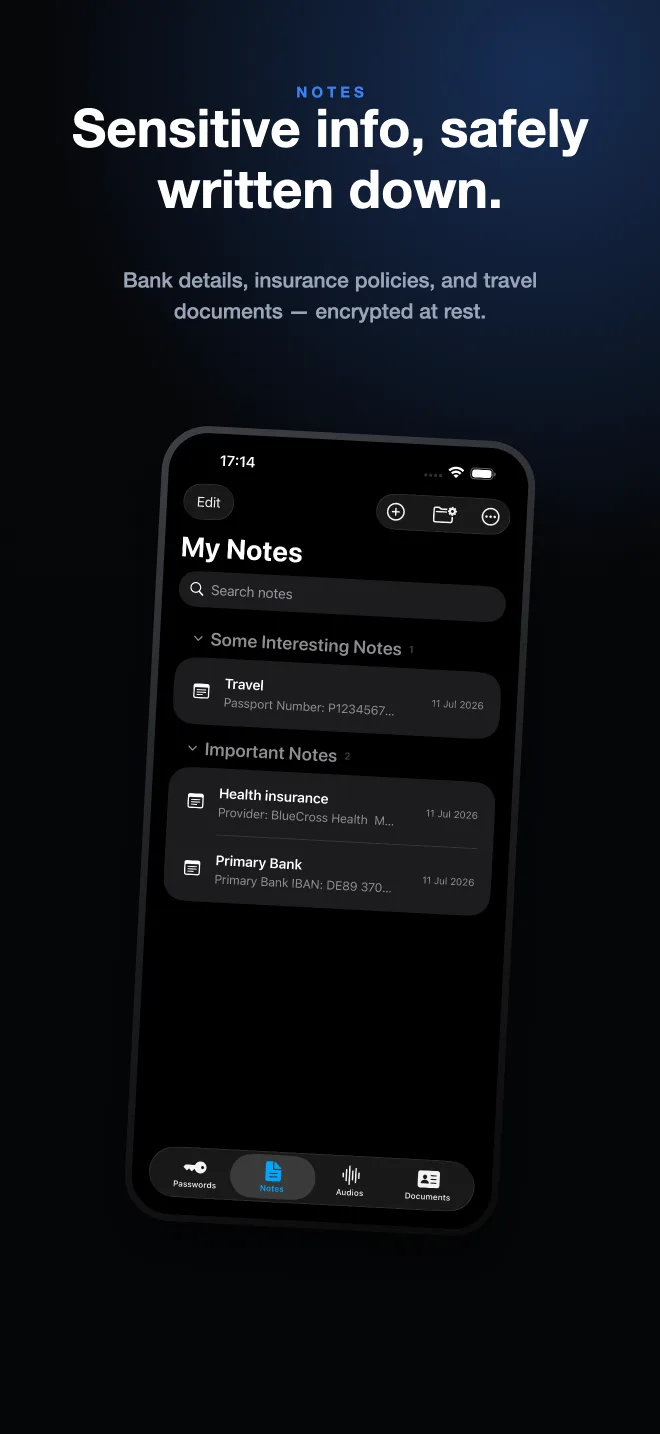
- Create a note per account
One note per bank, holding the account number, IBAN, branch details, and anything you routinely read out.
- Keep credentials as passwords, not notes
Online banking logins belong in the Passwords tab, where they stay hidden until you tap to reveal and can be copied without being displayed.
- Store the paperwork alongside
Scan the statement or the account opening letter into Documents so the reference is in the same vault as the numbers.
- Nothing leaves the device
SecureKit has no account and no cloud vault, so your financial details are not sitting on anyone's server waiting for a breach.
Frequently asked questions
Is it safe to save bank details in the Notes app?
In a locked note, reasonably — locked notes are end-to-end encrypted. In an unlocked note it is not, because anyone who unlocks your phone can read it and the note syncs to every signed-in device.
Should I store my card's CVV anywhere?
No. The CVV exists to prove physical possession of the card, and storing it defeats that. Merchants are not permitted to store it either.
Is sharing my IBAN dangerous?
No — an IBAN is meant to be shared to receive payments. The risk is in what someone can do with it plus other details, which is why the rest of your financial information deserves more care.