
The best way to store important documents on iPhone
Most people already have three places to put a document on an iPhone — Files, Notes, and Photos — and all three are fine for a restaurant receipt. The question is where to put the twelve documents that would ruin a month if they leaked: IDs, insurance policies, residence permits, medical records, contracts.
The built-in options, honestly assessed
- Files with iCloud Drive: excellent organisation and sync, but the folder is as accessible as the device and syncs to every signed-in machine.
- Notes: has a scanner and can lock individual notes, which is genuinely good — though locked notes still sit in a list beside unlocked ones, and the lock is per note, not per library.
- Photos: the scanner is convenient and the outcome is the worst of the three, because a document scan becomes an image in the most shared app on the phone.
- Mail: not storage. Searching your inbox for "passport" is a habit, not a system, and it leaves copies on a mail server indefinitely.
What a document store needs that a folder does not
Documents have structure that files do not capture. A residence card has a number, an issuing authority, and a date it stops being valid. A folder can hold the scan, but it cannot tell you the card expires in three weeks.
That metadata is the difference between an archive you dig through and a system that warns you.
- Multipage capture, so a document is one entry rather than four loose images.
- Identification numbers stored as searchable text.
- Expiry dates with reminders ahead of the date.
- Encryption at rest, so a lost phone is an inconvenience rather than an identity problem.
- Grouping by person or purpose, because most households store for more than one person.
How much should be on the phone at all
A reasonable rule: store what you would need within an hour of losing the original, and nothing else. That is usually identity documents, insurance details, and a couple of registration numbers.
Deeds, wills, and share certificates are not phone material. They belong wherever the original is, with a note recording which drawer that is.
Doing it in SecureKit
- Scan directly into the vault
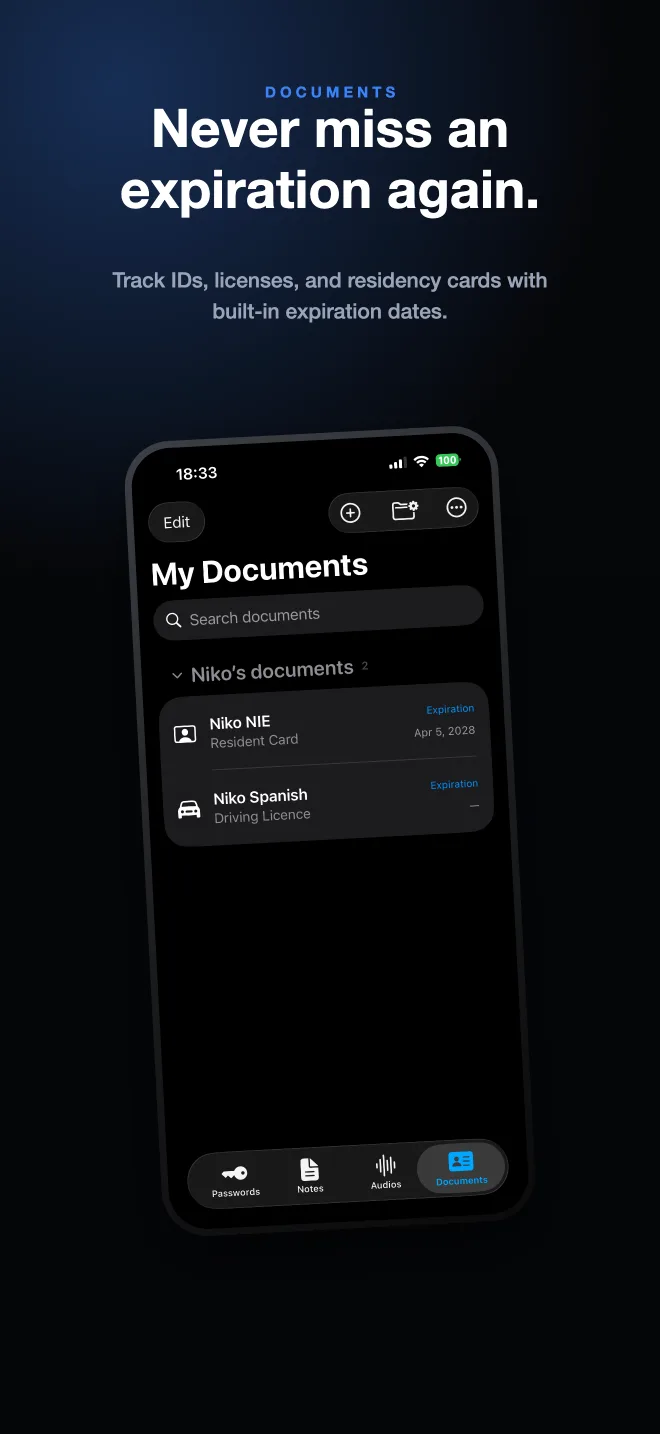
SecureKit's document scanner captures multipage IDs, licences, and residence cards with the page count you set as a default.
- Record numbers and expiry dates
Each document holds its identification number and expiry as structured fields, not as text buried in an image.
- Let it remind you
Turn on document reminders once and every document with an expiry date is covered from then on.
- Search instead of scrolling
Search across documents, notes, passwords, audio, and photos from inside the vault — everything encrypted, nothing uploaded.
Frequently asked questions
Is iCloud Drive safe for important documents?
It is encrypted in transit and at rest, and with Advanced Data Protection turned on it is end-to-end encrypted. The practical exposure is that the folder opens on any signed-in device with no separate lock.
Can I scan documents without using the Photos app?
Yes. Notes and Files both include scanners, and vault apps like SecureKit scan straight into encrypted storage so the scan never enters your photo library.
What documents should I keep on my phone?
Identity documents, insurance details, and anything with a number you might need to quote. Keep originals of legal instruments where they are and store only a reference.