
Password managers without a subscription
You have three realistic options without a subscription: a manager that is free because it is bundled with your platform, an open-source manager you host yourself, or an app you buy once. Each works — the differences show up in what happens when you stop paying attention, not on the day you install.
Option 1: what your phone already includes
iCloud Keychain and the Passwords app cost nothing and handle logins and passkeys well. If passwords are the only thing you need to protect, this is a genuinely good answer and you can stop reading here.
The limit is scope. Keychain is for credentials, not for a scan of your driving licence or a recording you would rather not have in Voice Memos.
Option 2: open source you run yourself
Self-hosted managers are free and auditable, and the community around them is serious about security. The cost is your time: you are now responsible for the server, the backups, and the updates.
This suits people who enjoy that work. It suits almost nobody who does not.
Option 3: buy it once
A one-time purchase sits between the two. You own the app, there is no renewal date, and there is no month where losing access to your own passwords is a billing question.
The thing to check before buying is what the purchase actually unlocks, and whether anything you already saved becomes unreadable if you never pay again. A purchase that gates your own existing data is a subscription wearing a different hat.
- Confirm the core vault stays usable without paying.
- Confirm you can export or back up your data regardless of purchase state.
- Prefer a non-consumable purchase — it restores on new devices and can be family shared.
- Be sceptical of "lifetime" pricing on a service with running server costs.
What free tiers usually restrict
The common limits are device count, item count, and two-factor codes. Those are reasonable business decisions, but they tend to bite at the worst moment — when you are replacing a phone, or when you have just enough saved items to depend on the app.
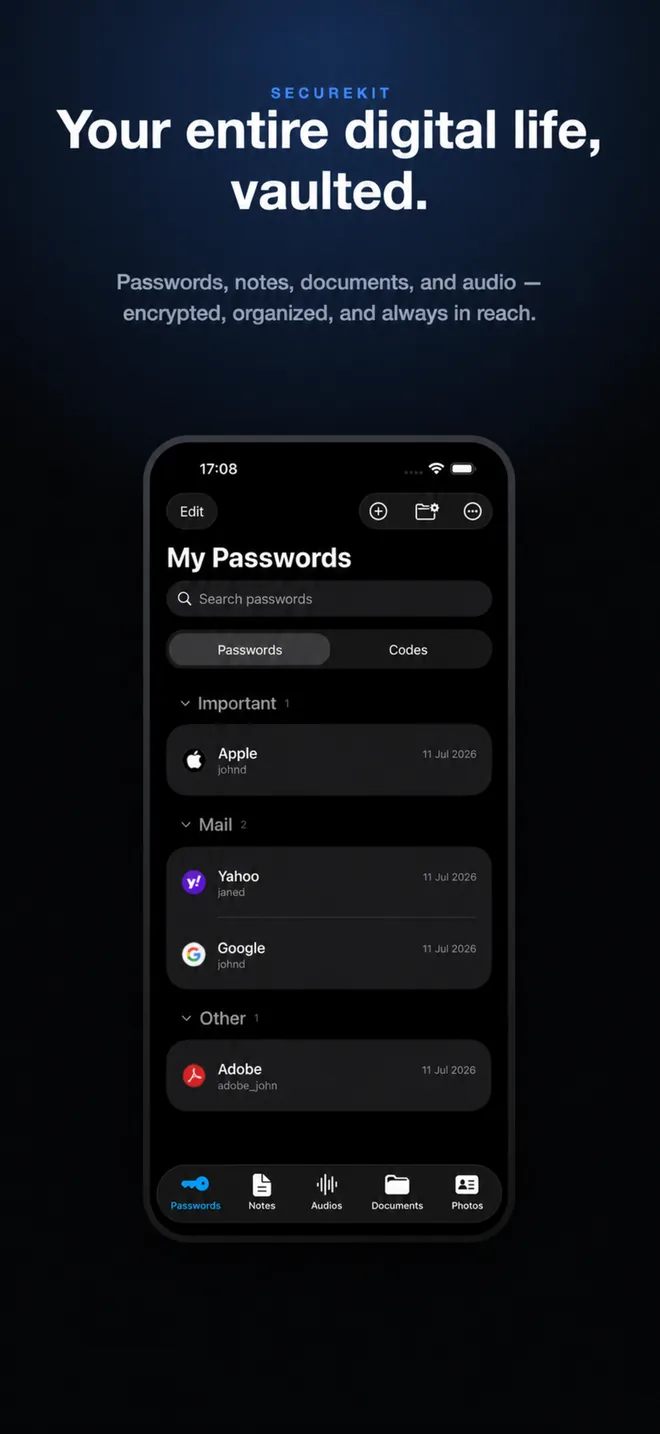
Doing it in SecureKit
- Start with the free vault
Passwords, private notes, documents, and audio are part of SecureKit's core and stay available without any purchase.
- Use it long enough to know
The paywall is only raised when you take a premium action — never at launch, and never over data you already saved.
- Unlock Premium once, if you want the extras
A single non-consumable purchase adds private photo imports, two-factor authenticator codes, and encrypted backup creation. It is not a subscription.
- Keep restore working either way
Restoring from an encrypted backup stays available without Premium, so your own data is never held behind a purchase.
Frequently asked questions
Is there a genuinely free password manager for iPhone?
Yes — iCloud Keychain and the built-in Passwords app are free and end-to-end encrypted. SecureKit's core vault is also free, including passwords, notes, documents, and audio.
What is the difference between a one-time purchase and a lifetime subscription?
A one-time purchase on the App Store is a non-consumable: it restores on future devices and can be family shared. A "lifetime" plan is usually still an account on a service, and lasts as long as the service does.
Does SecureKit charge a monthly fee?
No. SecureKit is free to download, and SecureKit Premium is a single one-time purchase that unlocks private photos, authenticator codes, and encrypted backup creation.