
Is iCloud Keychain safe?
Yes. iCloud Keychain is end-to-end encrypted, your passwords are not readable by Apple, and for storing logins it is a better choice than most people give it credit for. The honest caveats are about recovery, about what happens on a shared device, and about scope — it holds credentials, and credentials are only part of what people actually need to protect.
What the encryption actually guarantees
Keychain items are end-to-end encrypted with keys derived on your devices. Apple's own documentation states it cannot read them, and this holds without Advanced Data Protection — Keychain has always been in the end-to-end encrypted category.
Syncing works through a chain of trust between devices you have approved, rather than by shipping a master key to a server. Cryptographically, this is a solid design.
Where the real risk sits
- Account recovery. If your Apple Account is compromised, an attacker with your device passcode can be a long way toward your Keychain. The passcode is the weak link, not the encryption.
- Shared device access. Anyone who can unlock your iPhone can open the Passwords app with the same credential. There is no second lock.
- Ecosystem lock-in. Keychain works beautifully on Apple devices and awkwardly everywhere else.
- No separation. Every credential is protected identically — there is no way to make the ones that matter most harder to reach.
What it was never meant to hold
Keychain stores passwords, passkeys, Wi-Fi credentials, verification codes, and card details for autofill. That list is deliberate and it is not going to grow into a general private-information store.
So the useful question is not "is Keychain safe" but "what fraction of my private information does Keychain cover?" For most people the answer includes a passport scan, an insurance policy, a recording, and a set of photos — none of which have a home in it.
A reasonable setup
Use iCloud Keychain for everyday logins and passkeys. It is free, it autofills properly, and it is genuinely end-to-end encrypted.
Turn on Advanced Data Protection so the rest of your iCloud data reaches the same standard.
Then keep the material that Keychain does not cover — documents, scans, recordings, private photos, and the handful of credentials you want behind a second lock — in a local-only encrypted vault. The two are complements, not competitors.
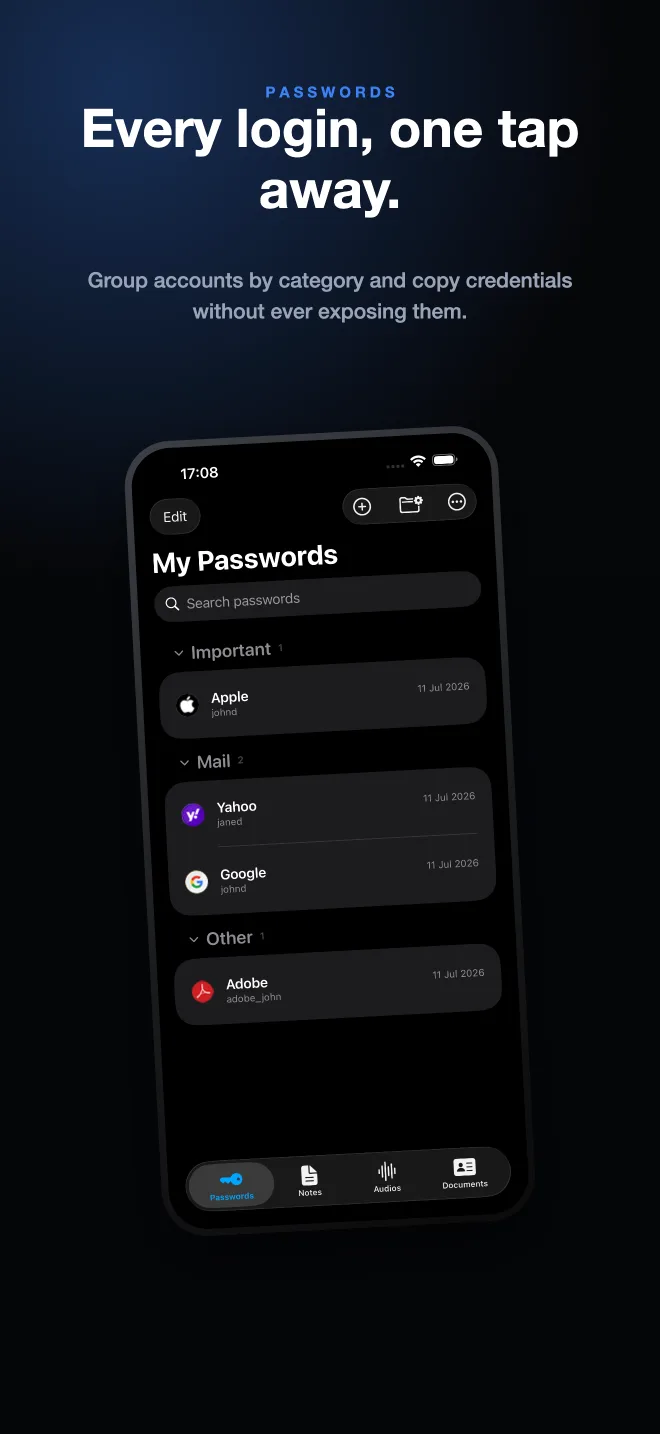
Doing it in SecureKit
- Keep Keychain for autofill
There is no reason to move your everyday logins out of it. SecureKit is not trying to replace autofill.
- Move the high-value items into the vault
Recovery codes, financial credentials, and anything you would not want reachable with just the phone passcode.
- Add what Keychain cannot hold
Passport and licence scans with expiry reminders, insurance details, private photos, and voice recordings.
- Keep it off the cloud entirely
SecureKit's vault is local-only with no account, so this second layer is not another server that can be breached.
Frequently asked questions
Can Apple see my iCloud Keychain passwords?
No. iCloud Keychain is end-to-end encrypted, and Apple states it cannot read the stored items. This applies with or without Advanced Data Protection.
Is iCloud Keychain as good as a dedicated password manager?
For storing and autofilling passwords on Apple devices, it is competitive. It falls behind on cross-platform use, on sharing, and on anything that is not a credential.
Do I still need another app if I use iCloud Keychain?
Only for what Keychain does not cover — document scans, private photos, recordings, and information you want behind a lock separate from your device passcode.